
Resource
KeePassXC vs Bitwarden: Offline Vault or Cloud Sync?
Compare KeePassXC and Bitwarden on offline access, free features, syncing, backups, recovery and sharing. Choose the password manager that fits your workflow.
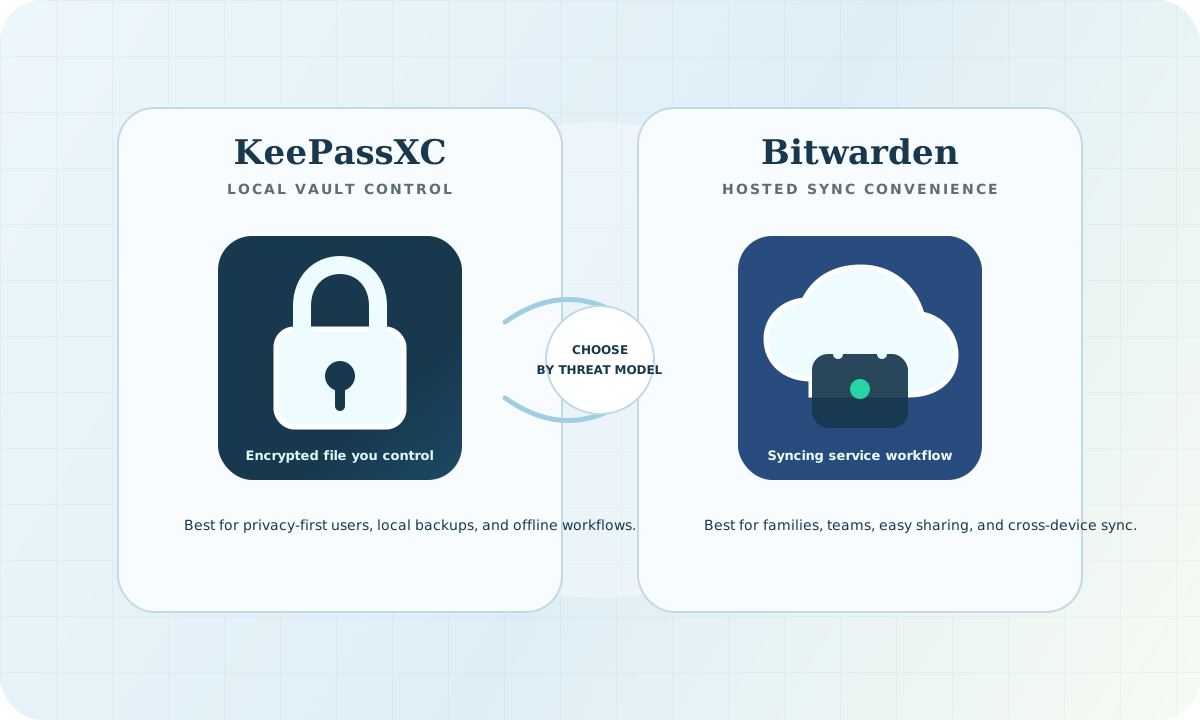
KeePassXC vs Bitwarden: the short answer
Choose KeePassXC if you want a local encrypted vault and are prepared to manage backups and syncing yourself. Choose Bitwarden if built-in syncing across phones, browsers and computers is the priority. Neither choice makes a compromised device safe.
This is a documentation-based comparison, not a hands-on benchmark or a claim that one product is universally safer. The decision is about how you will store, share and recover credentials.
Compare the everyday tradeoffs
| Decision | KeePassXC | Bitwarden |
|---|---|---|
| Where the vault lives | An encrypted KDBX file you control | An encrypted vault used through a hosted or self-hosted service |
| Offline use | Open and edit the local database | An already available, unlocked vault can be read offline; editing and syncing require connectivity |
| Sync | Arrange file sync or transfers yourself | Built-in syncing across supported clients |
| Phone access | Separate compatible KDBX apps, not a KeePassXC mobile app | Bitwarden mobile apps |
| Free use | Free desktop application | Free personal plan, including unlimited passwords and devices |
| Sharing | You manage copies, access and file coordination | Sharing features depend on the account or organization plan |
| Recovery | Preserve the database and everything needed to unlock it | Recovery options depend on prior setup and account type; a hosted account is not a universal password reset |
The KeePassXC documentation explains its file-based approach, browser integration and compatible mobile clients. Compare the current Bitwarden personal plans before assuming a sharing, emergency-access or administration feature is free. Plan details can change.
Does offline access mean the same thing?
No. KeePassXC is a local database editor; it does not need an online account for its core workflow. If you choose cloud file sync, you take responsibility for that additional service and its recovery process.
Bitwarden also has an offline mode. Its offline-use guidance describes read-only access to an unlocked app. Do not assume a fresh login on an unprepared device will work during an outage. Test the exact device and workflow you plan to rely on.
Backups and recovery decide the practical risk
For a local vault, a lost file or missing unlock material can be as disruptive as an account compromise. Keep protected backups and test opening a restored copy. Do not store your only backup on the same laptop.
For a hosted vault, secure the account, associated email and recovery material. Bitwarden's master-password recovery guidance describes options that depend on what was configured beforehand. Do not promise family members that support can always unlock their vault.
Our recommendation: before migrating critical credentials, rehearse losing your usual device. Write down where the backup is, which factors are required and who can help. Keep that plan private.
Which fits your situation?
- One technical user: KeePassXC is a reasonable fit when local custody matters more than convenient synchronization.
- A household using several devices: compare Bitwarden's sharing plan and recovery arrangements against the work of coordinating a KDBX file.
- A security team: evaluate onboarding, offboarding, account recovery and ownership of shared credentials. Do not make an unmanaged shared file your only emergency access plan.
- Applications and AI agents: use a purpose-built secrets and identity workflow with scoped access and rotation. A personal password vault is not a substitute for workload identity.
Self-hosting changes who operates the service; it does not remove patching, backup or access-control work. Vaultwarden is an independent Bitwarden-compatible project, not a Bitwarden-operated service. Consult the official Vaultwarden repository rather than assuming similarly named websites are authoritative.
A five-minute decision checklist
- List the devices that must work during an outage.
- Decide who is responsible for sync, backups and recovery.
- Identify which sharing and administration features you actually need.
- Create a test vault with fictional entries and rehearse recovery.
- Choose a strong, unique master password and appropriate additional protection; keep devices updated.
Never paste a real vault, recovery key or password into a public checker. This checklist is a planning exercise, not a request to upload credentials.
Frequently asked questions
Is KeePassXC safer than Bitwarden?
There is no universal winner. Local custody changes exposure to hosted services, but also puts recovery and synchronization on you. Consider endpoint security, account protection and your ability to recover, not only where ciphertext is stored.
Are both free?
KeePassXC is free. Bitwarden has a free personal tier; some emergency-access, family and organizational features require paid plans. Check the official feature table for the configuration you need.
Can Bitwarden work without internet?
An available unlocked vault can be read offline. That is different from KeePassXC's local editing workflow. Prepare and test before relying on either during an outage.
Should I switch if my current manager works well?
Not just because another product wins a comparison. First address reused passwords, recovery gaps and unsafe device habits. Migration itself needs a plan, including how temporary exports will be protected and removed.
Read next
Use the local versus cloud password-manager guide to document your choice. For local setup, see KeePassXC for developers. Follow the Wednesday Brief for practical security follow-through.
Sources reviewed September 9, 2026. Recommendations are editorial judgments, not independent product-security certifications.
Apply this guide
Choose a password manager, then harden the rest of the workflow.
Readers comparing KeePassXC and Bitwarden usually need the next step too: backups, MFA, recovery, and a weekly security checklist.