
Invisible Unicode Phishing: The Lemon-Juice Ink of Email
Invisible Unicode characters can disguise phishing from email filters. Learn what ASCII smuggling means and how to protect inboxes and AI agents.
In this article (8 sections)
A blank sheet of paper is not always an empty sheet of paper. An email that looks ordinary is not always ordinary text. That difference is the story behind a phishing technique that hides characters where readers cannot see them.
On September 6, 2026, BleepingComputer reported attackers using invisible Unicode characters in phishing lures. The practical lesson is not to read every message more carefully. It is to make sure the systems inspecting a message can account for information its visual presentation conceals.
The invisible-ink analogy: hidden from the naked eye
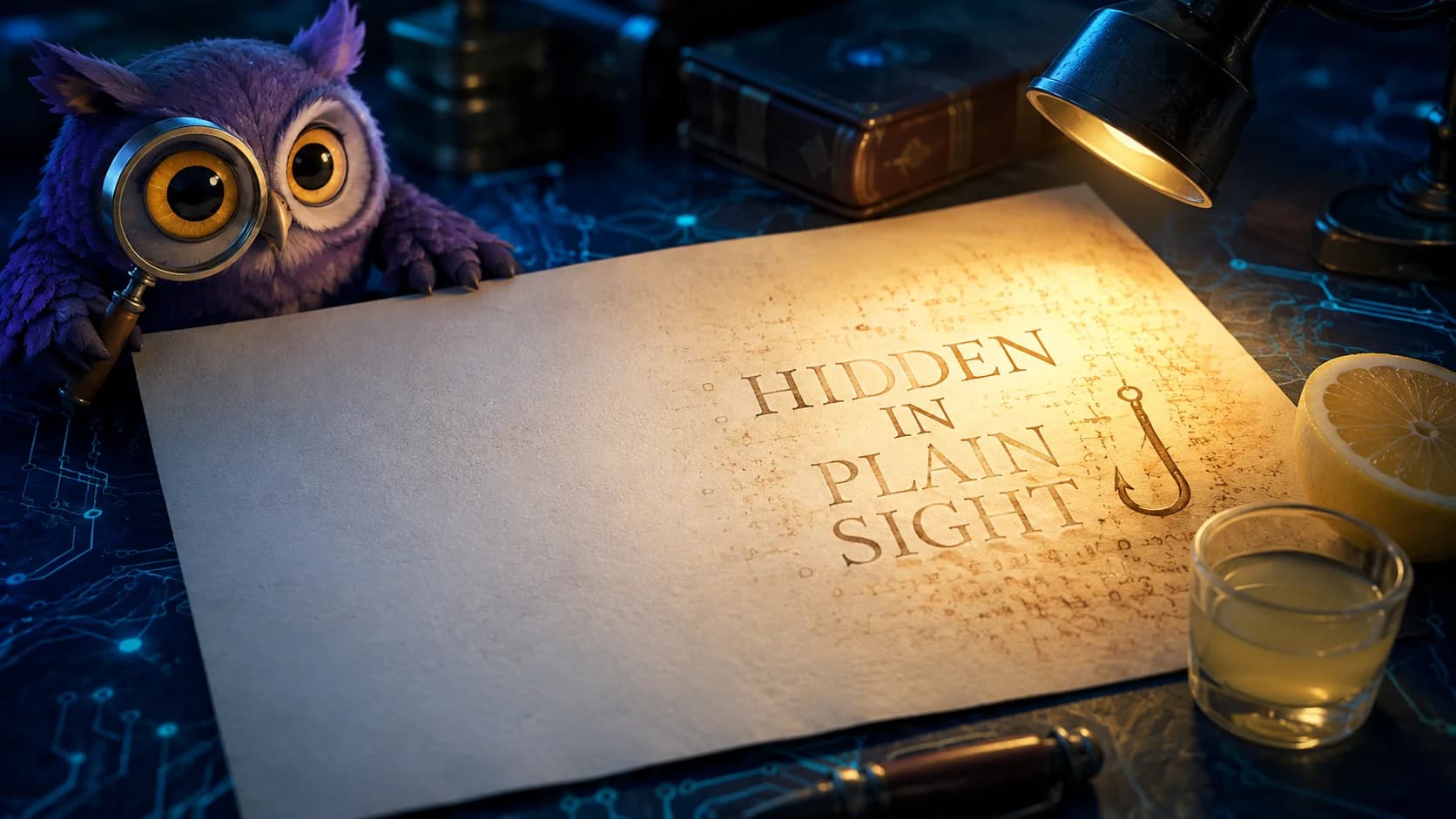
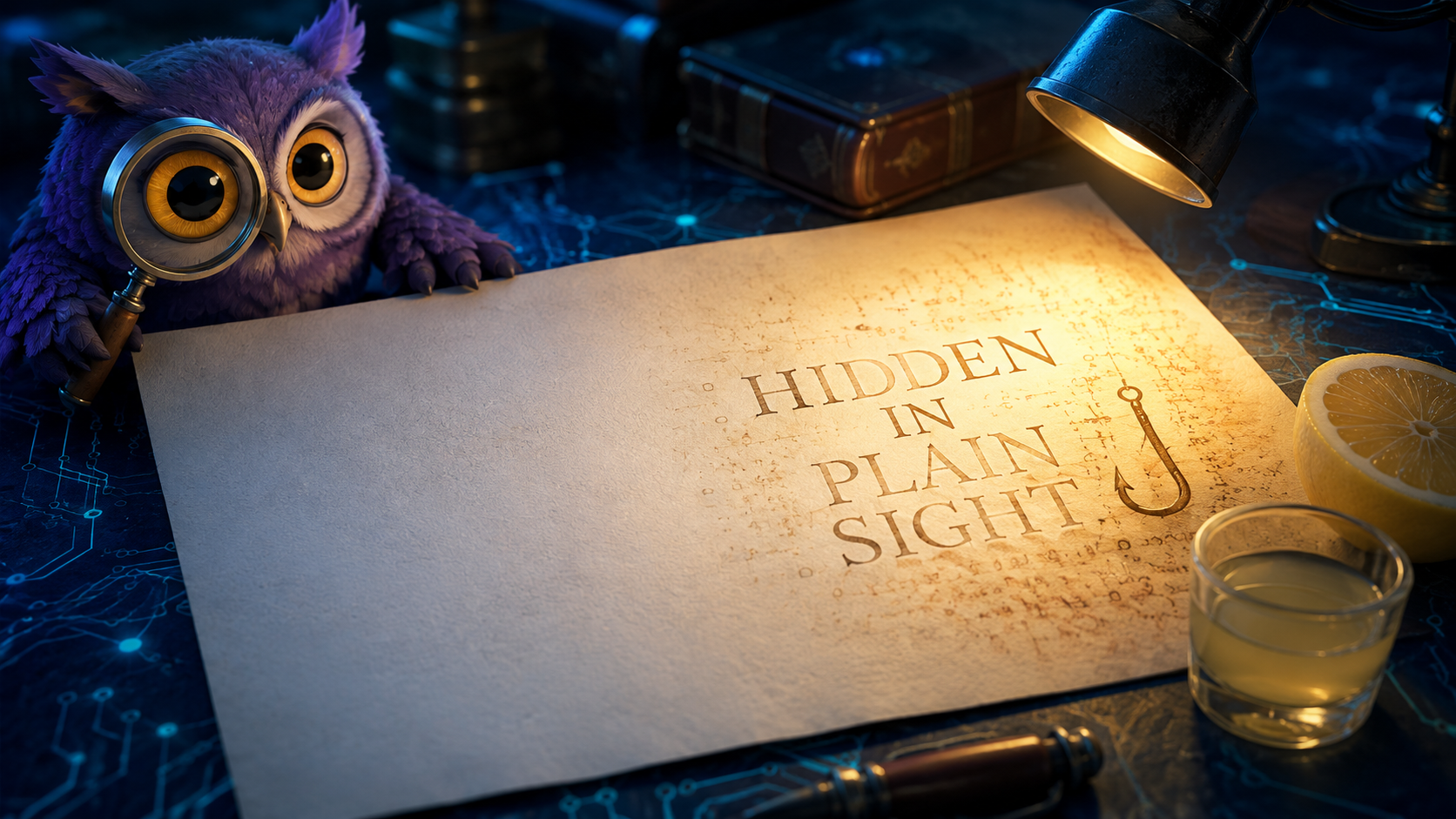
Lemon juice can leave a faint or apparently invisible mark that becomes darker with heat. The American Chemical Society explains invisible ink as a chemical change. Our owl illustration borrows that idea: one part of the paper looks blank, while warm light suggests hidden writing coming into view.
Digital text works differently. There is no chemical reaction and no need to burn anything. Inspection software reveals the underlying characters. The metaphor also has a limit: in this campaign, the financial lure remained visible. What readers could not see was the extra character inserted inside it.
What Microsoft actually observed
In its September 3 research, Microsoft describes U+E0020, the Unicode TAG SPACE character, interrupting financial keywords rather than encoding hidden AI instructions. Literal matching can miss the interrupted word; detection that handles the character correctly may not.
Microsoft recorded approximately 2.37 million matching messages at the February 26, 2026 peak. High volume began February 9 and fell sharply after May 15. These measurements concern one technique, not compromised people or the broader campaign's entire lifetime.
Microsoft says other protection layers flagged more than 99% of messages. This was not a universal filter bypass. HackWednesday has not independently tested those results.
What are invisible Unicode characters and ASCII smuggling?
Unicode represents text as code points. The Unicode Standard's tag-character section describes the U+E0000-U+E007F block and its current use in emoji tag sequences. Those sequences are a reason not to classify every tag character as hostile or assume the entire block is obsolete.
ASCII smuggling can carry concealed text using characters from that block. This case used the simpler insertion pattern. In visible diagnostic notation, Microsoft's example is fun[U+E0020]ding. The brackets here are an explanation, not actual hidden characters embedded in this article.
Think of three separate views: what the email displays, which characters the message contains, and what the detector evaluates after processing them. A security review needs to understand the differences between those views. Appearance alone cannot answer that question.
Why a convincing funding offer still deserves scrutiny
The surrounding social engineering matters as much as the text trick. In earlier research published September 18, 2025, Fortra described SBA-themed phishing that collected business and financial details through questionnaires. Its researchers interpreted the collection as preparation for more targeted follow-up attacks. That earlier report is context, not evidence that every message or recipient had the same outcome.
For a finance team, the important question is therefore broader than whether someone entered a password. Did they share revenue, contact details, financing needs, or information that would make a later phone call persuasive? Include those disclosures in the report to your security team.
A practical defense plan for security teams
1. Verify the text-processing contract
Ask your email-security provider which representation each detection layer inspects and how it handles tag characters. Test a controlled sample before and after processing. Microsoft recommends handling these characters before content matching; do not assume a setting labeled normalization implements that policy.
Unicode normalization forms make defined equivalent strings consistent. They are not a general malicious-content remover. In particular, applying NFC or NFKC alone does not remove U+E0020. Define any additional detection transformation explicitly, preserve the original message, and validate it against legitimate multilingual text and emoji.
2. Give analysts a reveal view, not just a screenshot
Our suggested investigation view shows the rendered email next to escaped code-point notation, with suspicious positions highlighted. Keep an immutable original and a separately labeled analysis copy. Record which transformation produced the copy so another analyst can reproduce the result.
Handle suspicious HTML in an isolated analysis environment without loading remote content. Do not paste customer messages, authentication links, or confidential correspondence into an unapproved public decoder. A tool that reveals hidden characters should not become a new data-leak channel.
3. Treat a character finding as evidence, not a verdict
Start with a review queue rather than an automatic organization-wide rejection rule. Require an explanation of the suspicious placement, the message's business context, and corroborating evidence. A finance-related word or an unfamiliar script is not enough.
Track false positives by language and message type. Let legitimate examples become regression cases. Give reviewers a way to correct a verdict, and check whether the correction survives the next rule update. This is our proposed operating process, not a claim of a tested zero-false-positive detector.
4. Make stolen passwords less useful
CISA recommends phishing-resistant MFA, including FIDO/WebAuthn implementations. Use supported security keys or appropriately configured passkeys where available, and review recovery and fallback methods as part of deployment.
Authentication is only one boundary. Strong sign-in protection does not stop someone voluntarily sending business information or approving a fraudulent transaction. Keep independent verification for payment changes and sensitive disclosures, even when an email looks polished.
What changes when an AI agent reads the inbox?
OWASP's prompt-injection guidance includes invisible Unicode among obfuscation techniques and identifies email, files, and web pages as indirect-injection surfaces. That is a related risk, not proof that Microsoft's sampled phishing emails contained hidden agent commands. Whether a particular model interprets concealed content depends on the model and the application's processing.
Keep external message content separate from authorized instructions. Enforce tool permissions outside the model, validate proposed actions, and require approval for consequential writes. A cleaned input or a second model checking the first is not a complete authorization system. OWASP recommends least privilege and layered controls rather than reliance on one filter.
For an inbox assistant, start with summaries or draft replies. Our proposed acceptance test is concrete: an untrusted message must not gain the ability to send mail, disclose files, or change payment details merely because the agent read it. Test the target system's actual behavior, not just the assistant's explanation. See our Zero Trust AI agent guide for the surrounding access model.
What employees should do with a suspicious message
Do not ask employees to spot an invisible character with their eyes. Ask them to verify the request. The FTC recommends contacting an organization through a known, independently obtained number or website, rather than the contact details supplied by a suspicious message.
At work, use the approved phishing-reporting process. If you already replied, submitted information, opened a file, or entered credentials, tell the security team what happened promptly. Keep the message available through that process; do not circulate it to colleagues as a warning with a live link. Report facts, including the time and the action taken, rather than guessing whether an attack succeeded.
This Wednesday: test the gap between appearance and data
Run a small, authorized exercise with synthetic messages and no real credentials or external attack destinations. Include an ordinary message, a controlled tag-character variant, a legitimate emoji sequence, and multilingual text. Check the inbox verdict, the analyst's reveal view, and any downstream agent's allowed actions.
Record the product configuration, expected outcome, observed result, and reviewer decision for each case. Count benign messages incorrectly flagged as well as suspicious ones missed. Repeat after a material parser, policy, or model change. This is a suggested regression exercise; it has not been run against your environment.
The goal is not an inbox that distrusts every unusual character. It is a workflow that makes hidden data inspectable and keeps that data from silently becoming authority. The owl should not need to see invisible ink to know when a request needs verification.
Follow the Wednesday Brief for security developments and practical actions, or explore our AI security guidance for SOC teams. Download the invisible-ink owl artwork.
Sources checked September 6, 2026. Campaign measurements are attributed to the cited researchers. Defensive workflows above are HackWednesday recommendations, not independently benchmarked product guarantees. AI-assisted article; human editorial review confirmed by the site owner on September 6, 2026.
Source notes
Follow these links to check the reporting and documentation behind this article.
- BleepingComputer: Attackers conceal phishing lures using invisible Unicode characters (September 6, 2026)
- Microsoft Security: ASCII smuggling crosses over from AI prompt injection to phishing evasion (September 3, 2026)
- Unicode 17.0, Chapter 23: Tag Characters
- Unicode Standard Annex #15: Unicode Normalization Forms
- Fortra: Earlier SBA-themed phishing campaign (September 18, 2025)
- OWASP: LLM Prompt Injection Prevention Cheat Sheet
- CISA: Implementing Phishing-Resistant MFA
- FTC: How To Recognize and Avoid Phishing Scams
- American Chemical Society: Investigating Images in Invisible Inks